Trending

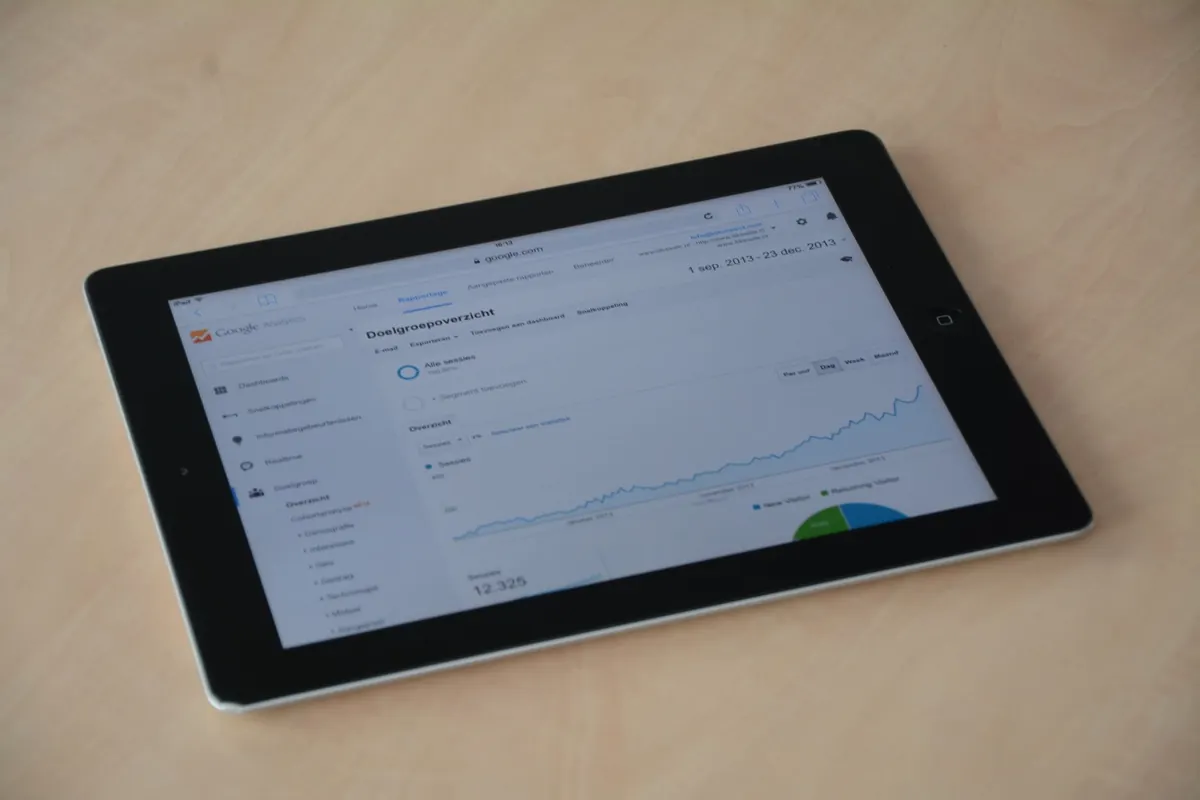
Bot traffic rarely announces itself. It shows up as a clean spike in sessions at 3 a.m., a hundred hits on a URL that hasn't been linked anywhere, or an engagement rate that collapses while pageviews climb. By the time you notice the pattern in a weekly report, the damage is already in your dashboards, your conversion rates, and whatever decisions you made from them. GA4 can warn you earlier, but only if you spend twenty minutes setting it up properly.
## What GA4 gives you, and what it doesn't
Anyone migrating from Universal Analytics misses Custom Alerts, which sent an email the moment a metric crossed a threshold. GA4 has no direct equivalent. Instead you get three pieces: Custom insights (which use anomaly detection), the known-bots filter, and the Data API, which lets you build your own alerting on top.
That last piece matters. GA4's built-in insights appear inside the interface. They do not email you. So the practical setup is a two-layer approach: use custom insights to spot and document anomalies, then wire up an external trigger for anything you genuinely need to hear about within the hour.
## Establish a baseline before you alert on anything
Thresholds are meaningless without a sense of normal. Spend a few minutes here first.
Open Admin, go to your data stream, then Configure tag settings, and confirm that **Exclude all hits from known bots and spiders** is enabled. This filters a list of well-known crawlers, not the aggressive scrapers you're likely worried about, but it removes noise from the baseline.
Next, look at two or three weeks of data and write down what normal looks like:
- Sessions per hour during your quietest and busiest windows - Engagement rate and average engagement time by channel - Events per session - Conversion rate by source/medium - The top three countries and device categories
Compare this week to last week by source/medium, country, and landing page. If a channel normally converts at two percent and now converts at zero with triple the sessions, you've found a signature worth alerting on.
## Create your first custom insight
Custom insights live under Reports. Open the Reports snapshot, find the Insights card, click through to view all insights, and create a new one. You'll pick a template, a metric, dimensions to break it down by, a time comparison, and a condition expressed as a percentage change.
A useful first configuration: metric **Sessions**, dimension **Session source/medium**, compare the last seven days against the previous seven, and alert when the change exceeds 200 percent. Add a second insight using **Engagement rate** with a downward threshold, because bot traffic almost always inflates sessions while deflating engagement.
Two limitations to plan around. Insights refresh on a daily rhythm rather than in real time, and they surface in GA4 rather than in your inbox. Treat them as a triage layer, not an alarm.
## Signals that reliably indicate bot activity
Not every spike is a bot, but certain combinations are hard to explain any other way. Build your alerts around these:
- Sessions climbing steeply while engagement rate drops below ten percent - Traffic concentrated in one source/medium, especially unassigned or (not set), or a sudden direct spike with a near-100 percent new-user rate - One country or city accounting for a disproportionate share of sessions from a single channel - Pageviews with no scroll, click, or conversion events attached - Repeated hits on URLs nobody links to: login paths, search parameter pages, old campaign URLs, form endpoints - High pages per session combined with three-second average engagement time - Events firing without a preceding page_view, which often points at a scripted client
Write these down as specific conditions. "Sessions up 300 percent and engagement rate under 8 percent" is actionable. "Traffic looks weird" is not.
## When you need an alert, not an observation
For anything time-sensitive, build the notification yourself. Three approaches, in rough order of effort:
**Looker Studio with scheduled delivery.** Connect a GA4 report, add scorecards for sessions and engagement rate with period comparisons, and schedule email delivery. Simple and free, but the fastest cadence is typically daily, so it won't catch a spike as it happens.
**Apps Script with the GA4 Data API.** Set a time-driven trigger to run every fifteen or thirty minutes. Pull the last hour of sessions and engagement rate, compare against the median for the same hour over the previous fourteen days, and send an email or post to a Slack webhook when the ratio crosses your threshold. This is the best balance for most teams.
**BigQuery export with scheduled queries.** For high-traffic sites, export GA4 to BigQuery and run a scheduled query that flags anomalies, then trigger a function to notify. Near real-time, more setup, and worth it only if you already have the export running.
Whichever you choose, add a floor to your condition. On a site doing ten sessions an hour, a jump to forty is not news. Require a minimum volume, and require the anomaly to persist across two consecutive windows before sending anything.
## Send alerts somewhere a human looks
An email to an address nobody checks is a waste of good work. Route bot alerts to the same channel your team already monitors — a Slack or Teams channel, an on-call rotation, or a shared inbox with a filter rule. Include the numbers in the message itself: current sessions, baseline, engagement rate, and the top source. Whoever reads it at 7 a.m. should be able to decide whether it's a bot or a real campaign launching.
Then add a cooldown so a single sustained bot run doesn't produce forty identical messages. That short bit of restraint is the difference between an alert system people trust and one they mute within a week.
## Test it, then leave it alone
Force a test. Temporarily lower your threshold to something your existing traffic already triggers, confirm the message arrives in the right place with readable numbers, then restore the real value. Check the insights you built once a week for the first month and adjust the percentages as you learn what your normal variance looks like.
Bot traffic changes shape constantly, so review your thresholds quarterly and keep a short log of confirmed incidents with the source and timing. That record becomes your best tuning guide, and it's the thing you'll want on hand the next time someone asks why last month's traffic numbers look inflated.
Photo: weCare Media / Pexels